← Interactive Retail Installation
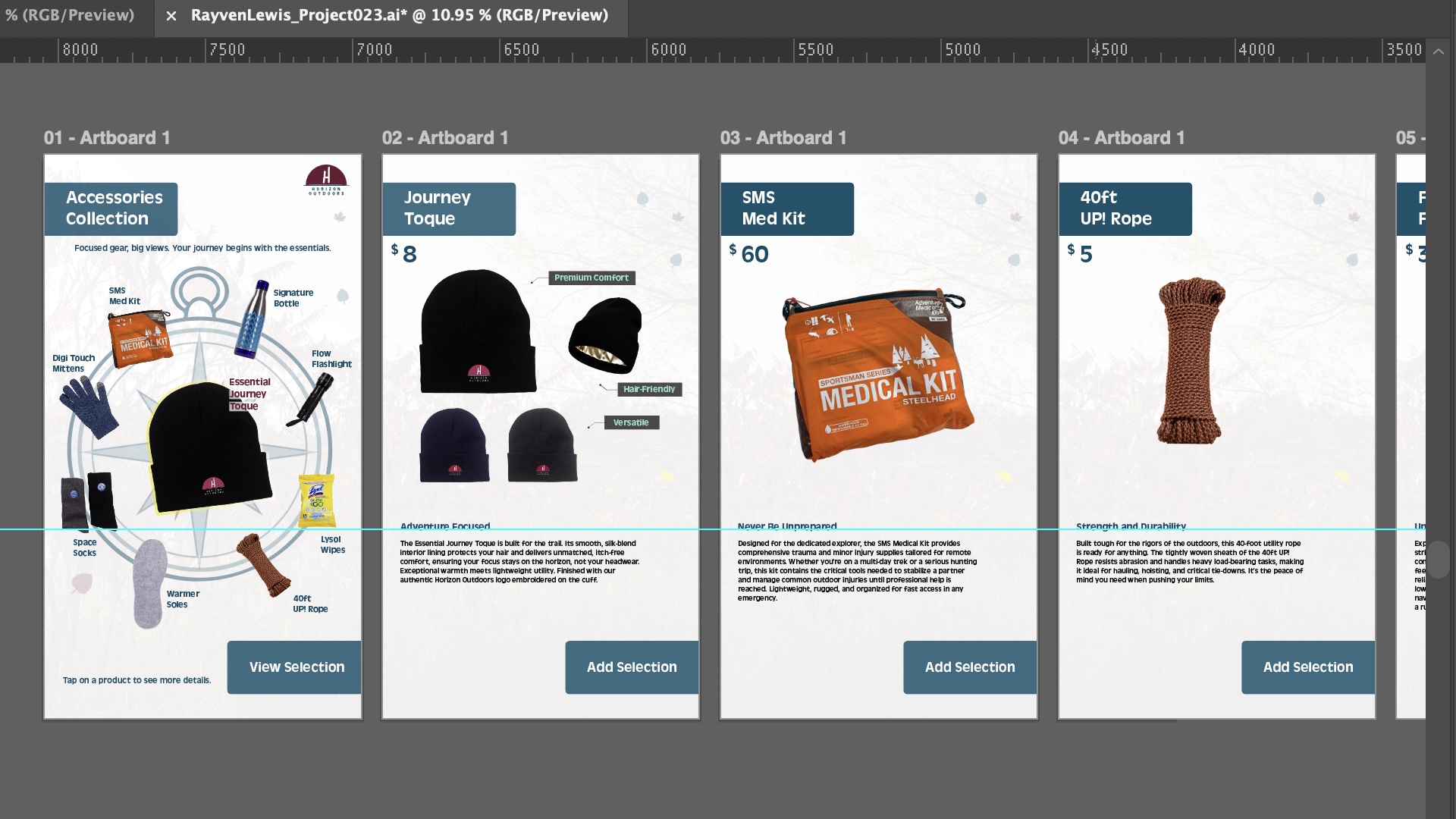
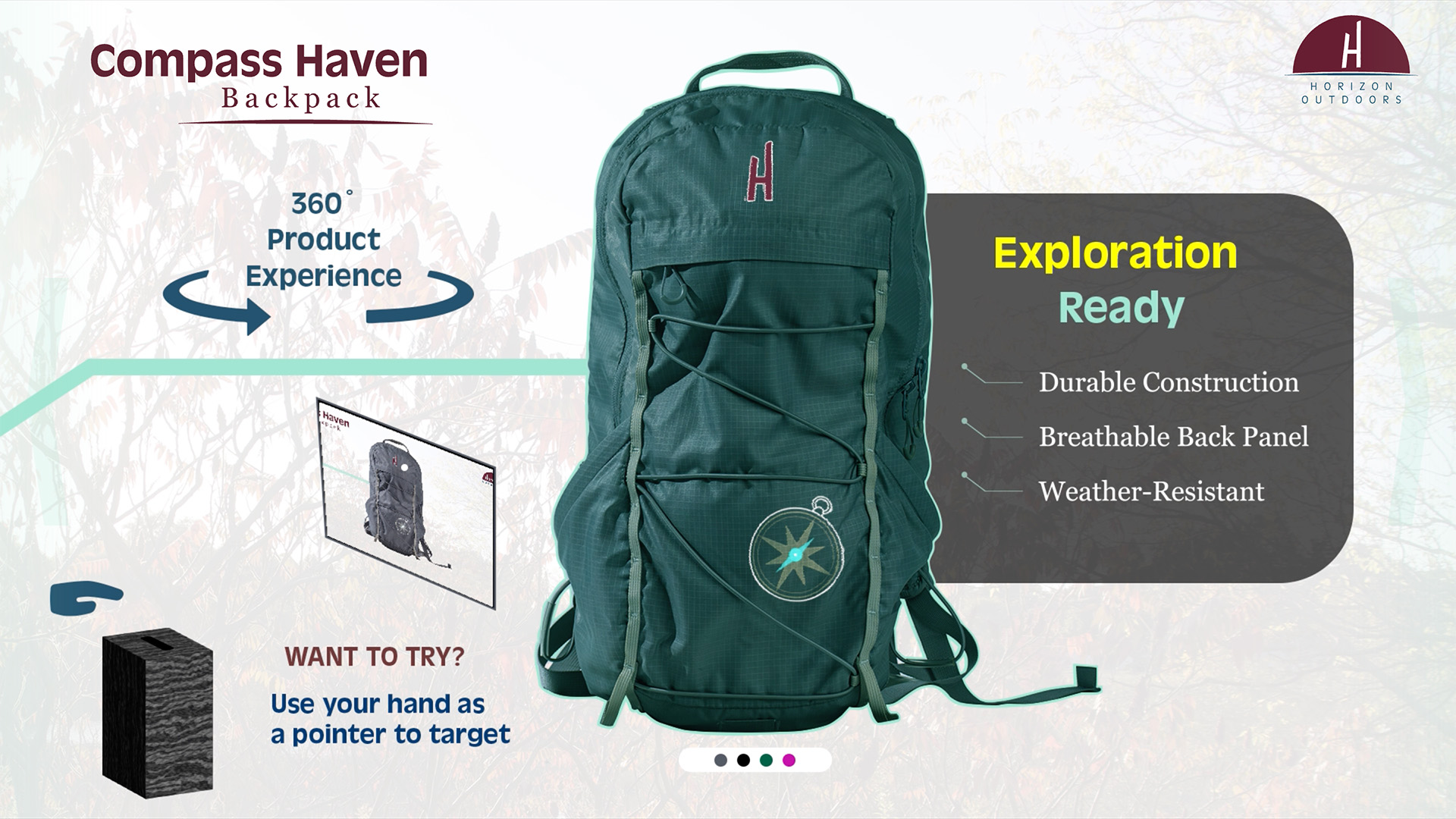
This is a multi-stage retail experience consisting of a dual-touchscreen ordering app and a 360° touchless product rotation. My goal was to merge physical retail with digital precision.




My Workflow & Process
Interactive Development: With VS Code I followed structured development instructions to meet the dual-screen and touchless interactive UI/UX goals.
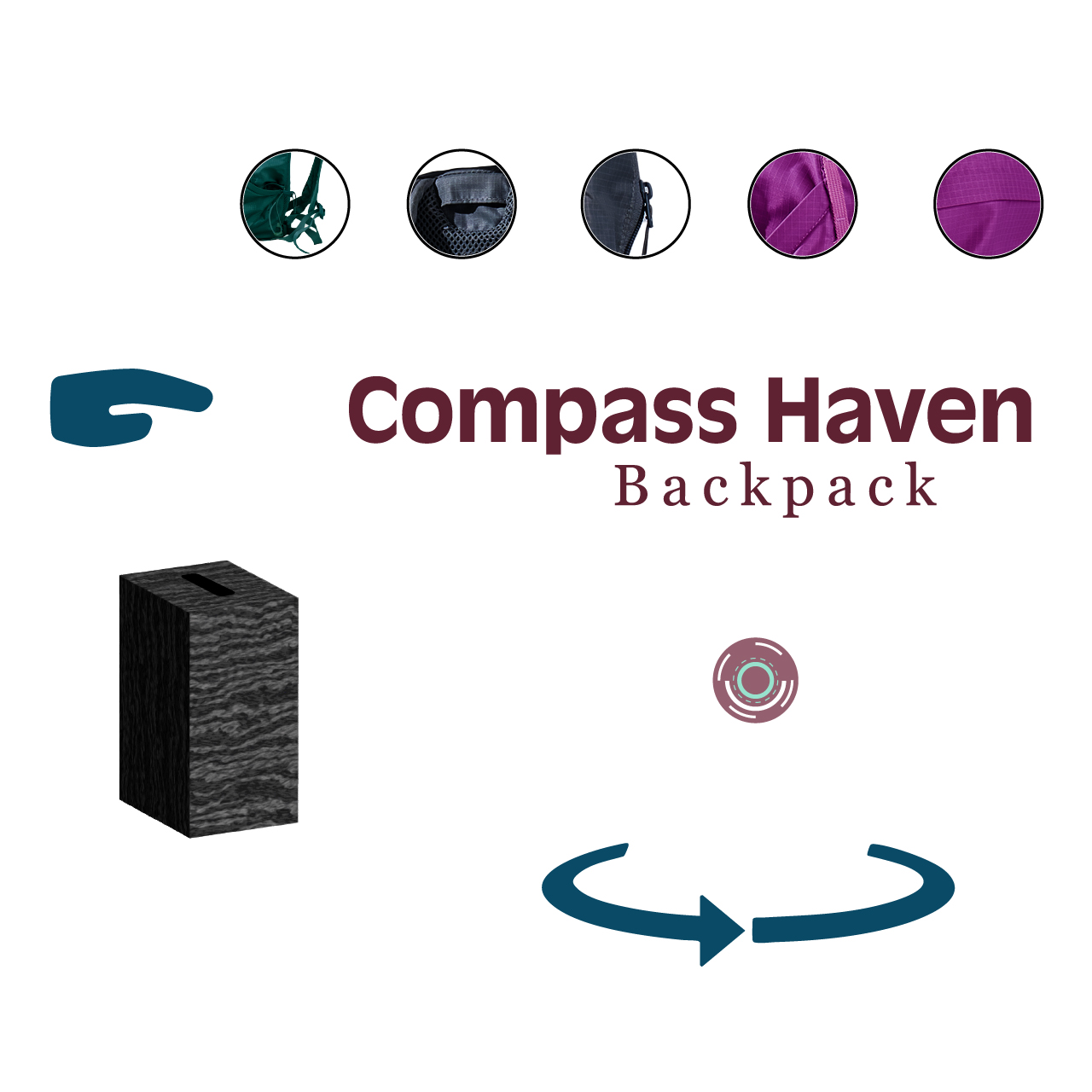
Asset Creation & Photography: I shot a 15-frame image sequence for the 360° view and created accompanying silhouette "Navigation Indicator" images to track rotation progress.
Motion Graphics & Video: Using After Effects and Premiere Pro, I produced looping promotional videos for the "Screen Saver" mode. These included fashion-based motion graphics and a screen recording of the interaction to guide users on how to "Tap to Begin." I produced stop-point video overlays and highlight videos that trigger based on user gestures. These videos feature seamless infinite loops and animated schematics to explain product features without physical contact.
Technical Skills & Tools
Pre-Production & Branding: I established a cohesive visual identity by creating a full brand book. This included defining typography, color palettes, and UI elements to ensure a consistent look across both the promotional screen savers and the interactive catalogue.
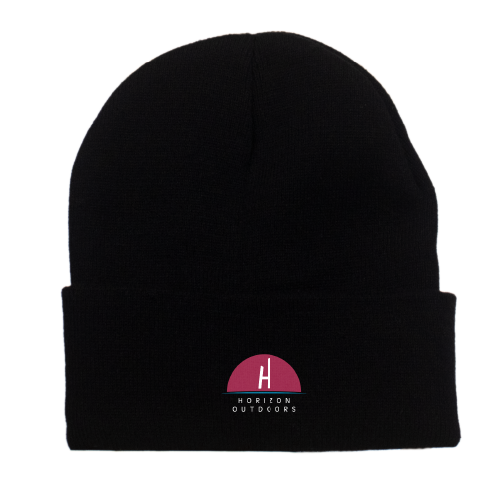
This project required a professional-grade workflow. I used Adobe Illustrator to design the precision vector graphics and schematics that were later brought to life in After Effects. To ensure the brand identity felt real, I utilized Adobe Photoshop to realistically apply logos onto clothing samples and refine the images captured with a Canon SL3 DSLR in the photography studio.