← Collaborative Project
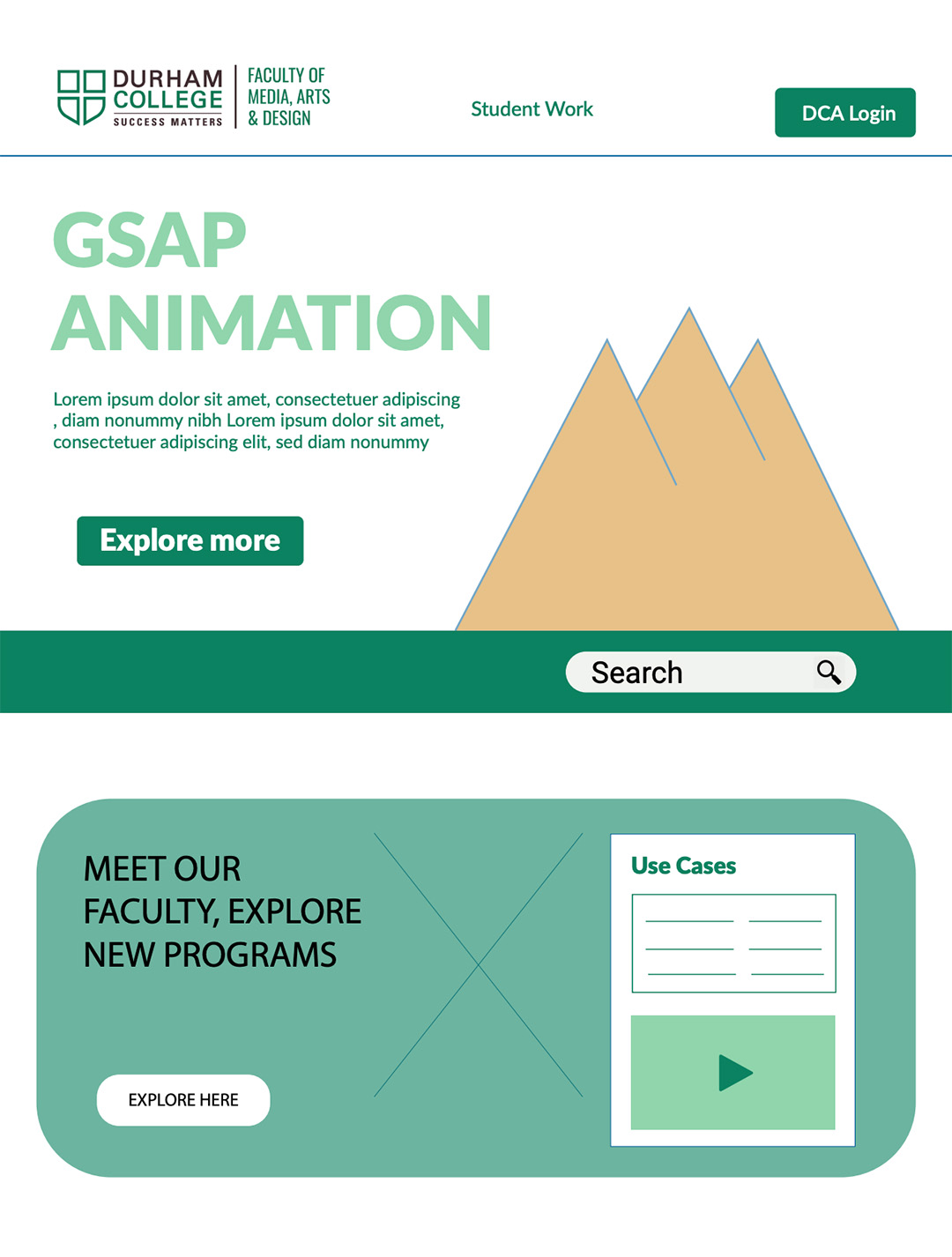
In this team collaboration, I stepped into the role of Head Coder to develop a high-performance, single-page website promoting the Web Development program at Durham College. My focus was on transforming a static design into a dynamic, interactive experience that speaks to the technical caliber of our Oshawa campus.


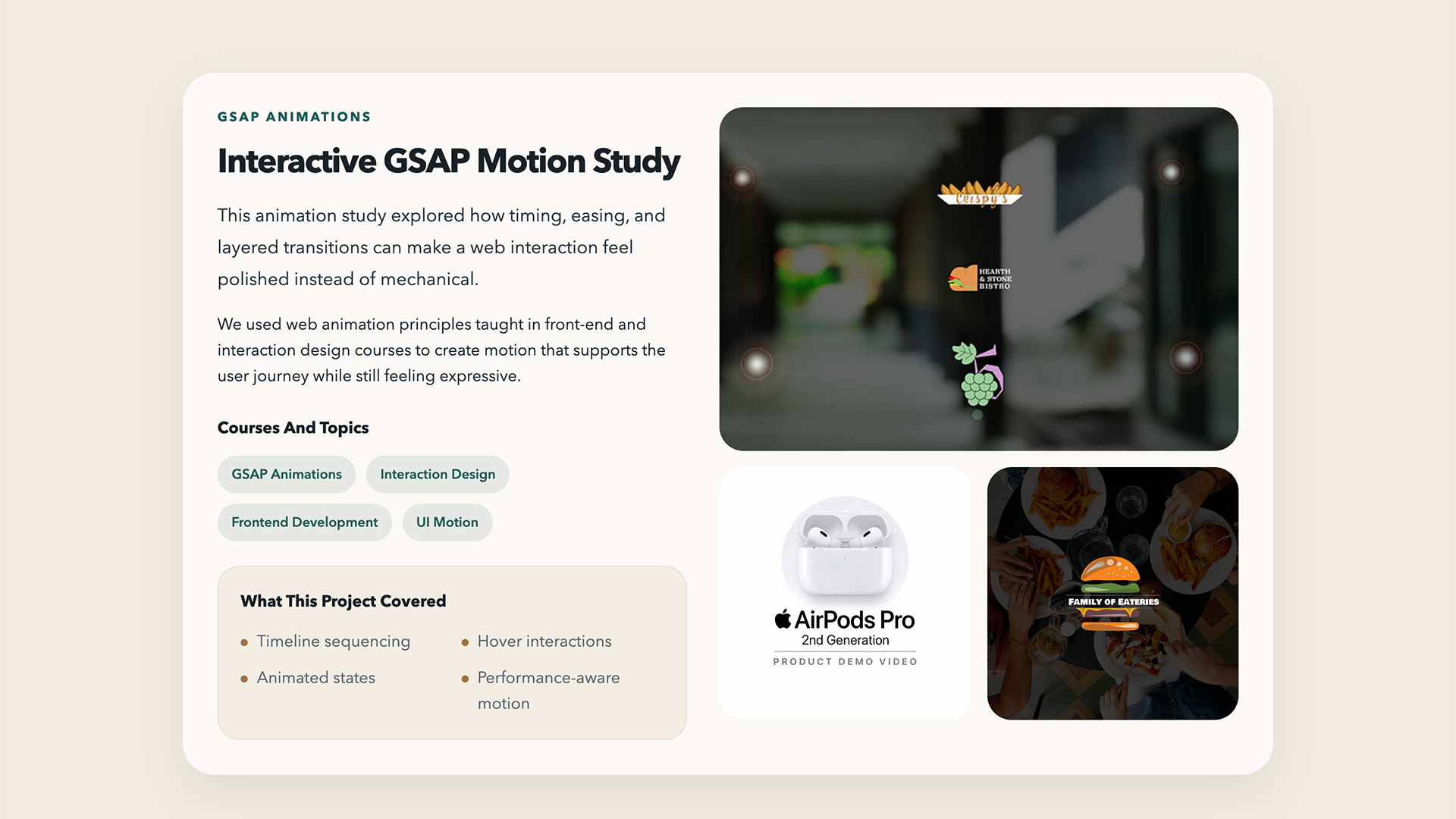
My Workflow & Process
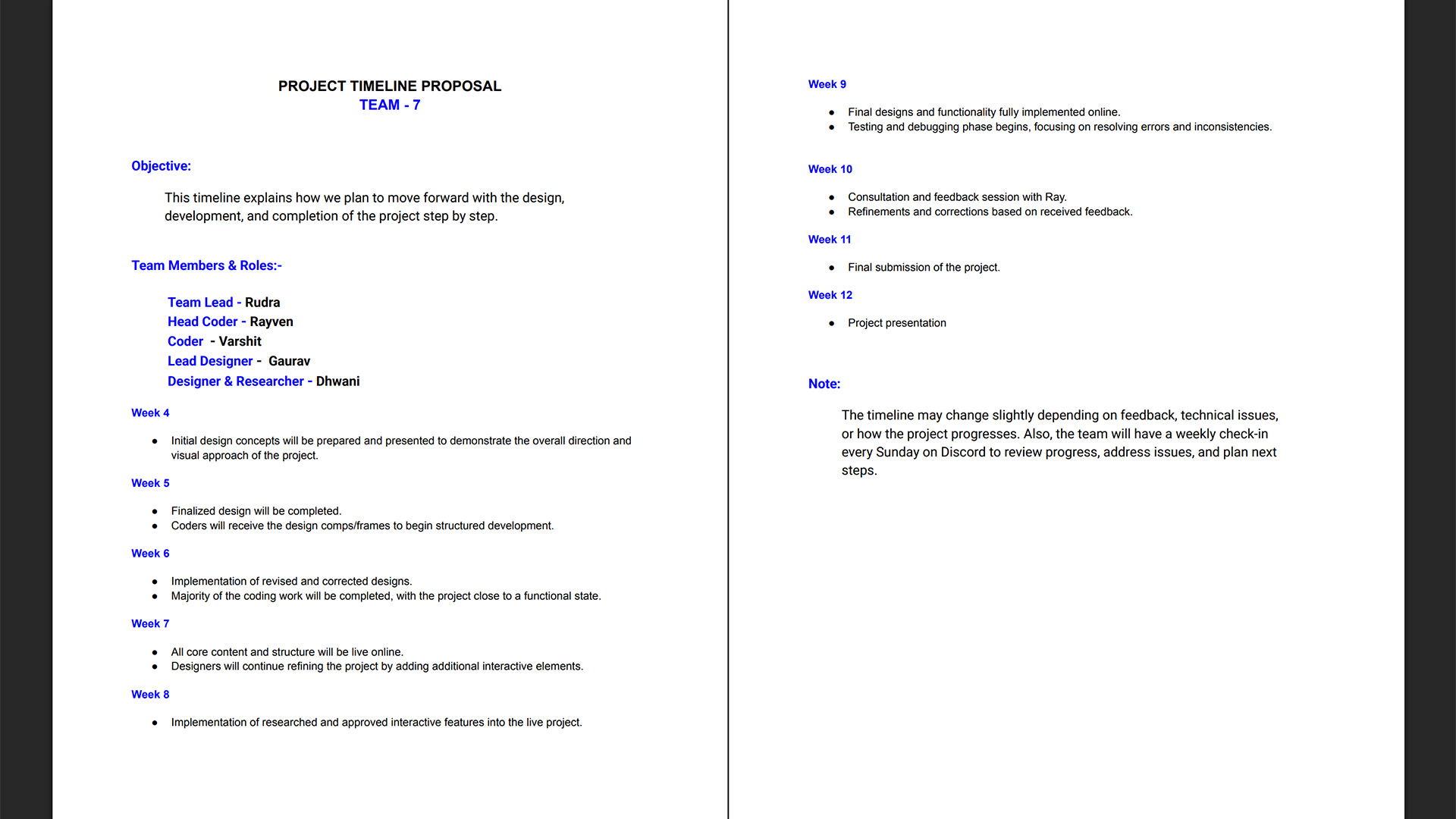
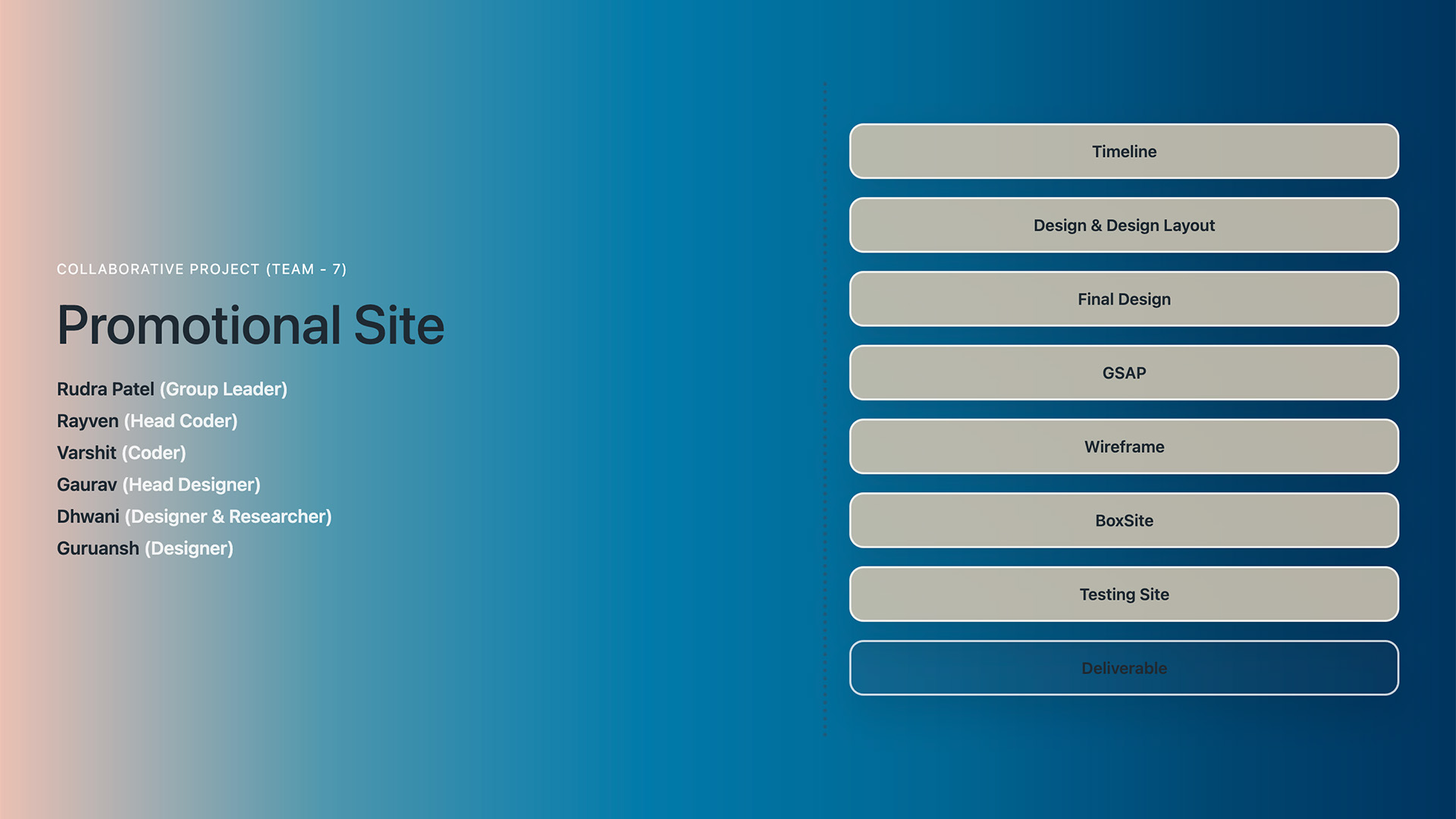
Working on a collaborative timeline meant being the bridge between design and functionality:
SVG Architecture & Layers: I took the initial creative assets and rebuilt them as an organized SVG structure in Illustrator. This was crucial for targeting specific paths and groups during the coding phase to ensure smooth, performant animations.
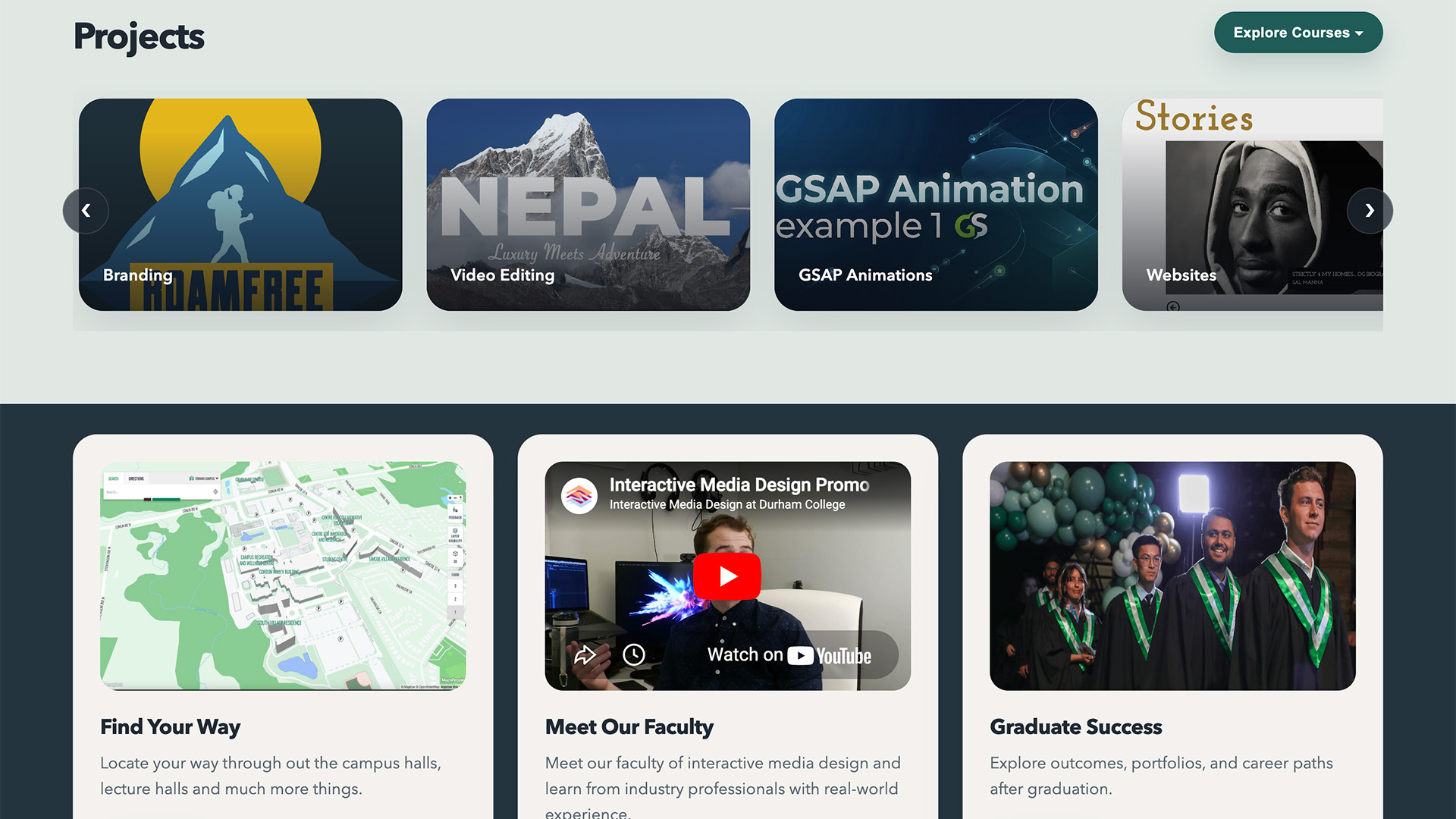
The Logic Stack: I implemented Sammy.js to keep the one-page experience fluid and organized. By utilizing data filters, I made the project gallery intuitive, allowing users to navigate through various course categories without ever hitting a page refresh.
Technical Skills & Tools
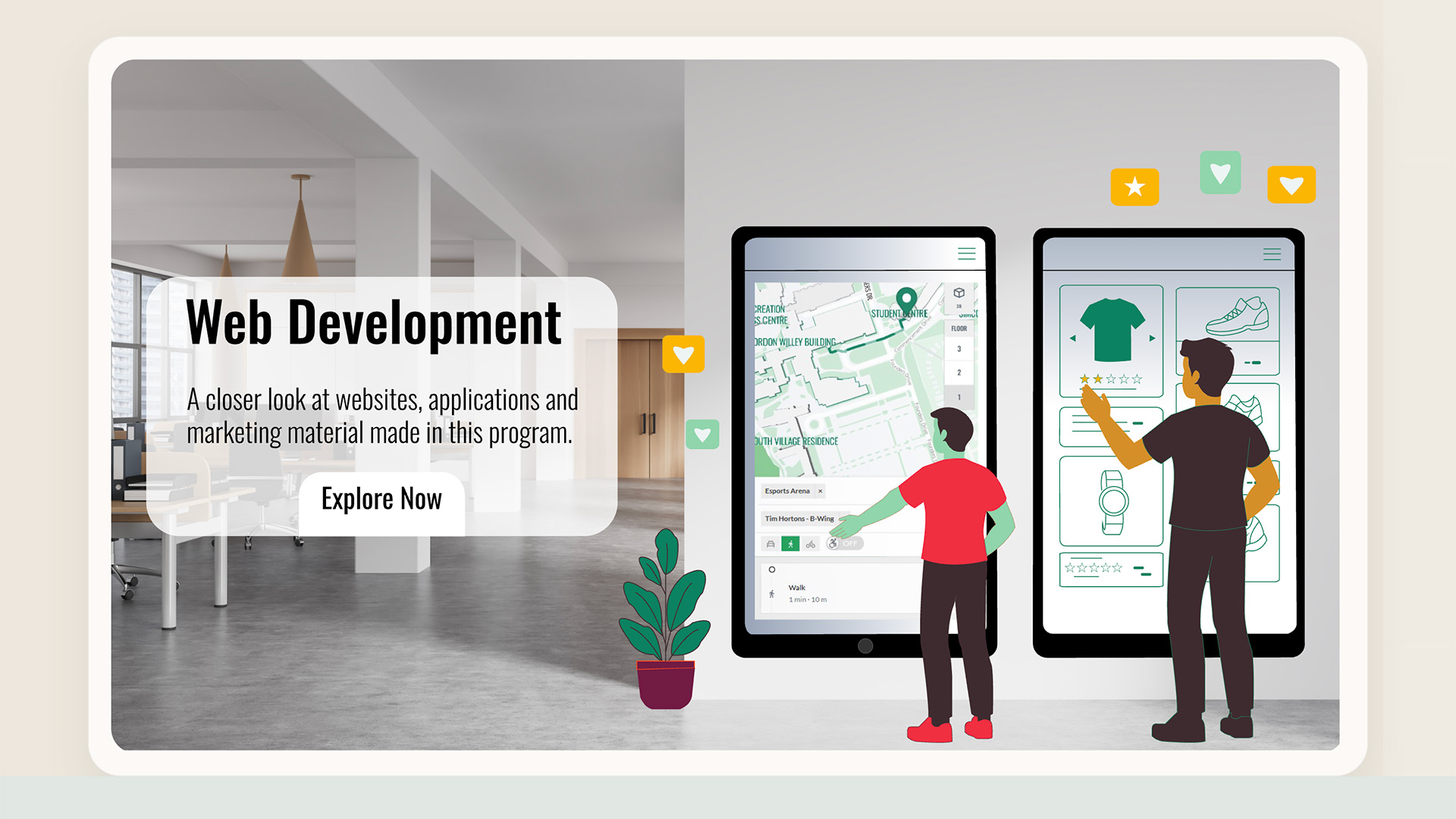
The core of this build was built on modern interaction logic. I took the hero image design provided by Dhwani and meticulously layered it out in Adobe Illustrator to prep it for complex web manipulation. From there, I transitioned into VS Code, where I used GSAP to breathe life into the SVG elements and Sammy.js to handle the front-end routing and data-filtered navigation.
Core Scripting: JavaScript (jQuery, Sammy.js) for routing and interface logic.
Animation Engine: GSAP (GreenSock Animation Platform) for high-performance SVG motion.
Design Interpretation: Adobe Illustrator (Asset Layering and SVG Export Optimization).
Lead Development: Code architecture, version control via VS Code, and collaborative technical troubleshooting.